
Relive 80s Arcade Glory with TOAPLAN Classics
Overview
Amusement Arcade TOAPLAN is a desktop application designed to bring the golden era of arcade gaming back to life. Developed by TATSUJIN Co. Ltd., this software emulates classic TOAPLAN arcade titles, offering users a curated digital arcade experience.
The application features 25 games, blending free and paid content to cater to both casual players and dedicated retro enthusiasts. Its core purpose is to recreate the authentic feel of vintage arcade cabinets, complete with original graphics, sound design, and gameplay mechanics. This makes it ideal for collectors, nostalgia-driven gamers, and fans of Japanese arcade history.
The software supports multiple language options, ensuring accessibility for international audiences despite the original Japanese release of these titles. It also incorporates regional settings, allowing players to experience localized variations in stage layouts and difficulty levels, mirroring how arcade machines were adapted across different markets. The 40th anniversary celebration of TOAPLAN’s legacy is reflected in the curated selection, which includes well-known titles like Tiger Heli, Snow Bros., and Teki Paki.
The developer did not provide additional system requirements, and exact performance details were not specified.
Key Features & Capabilities
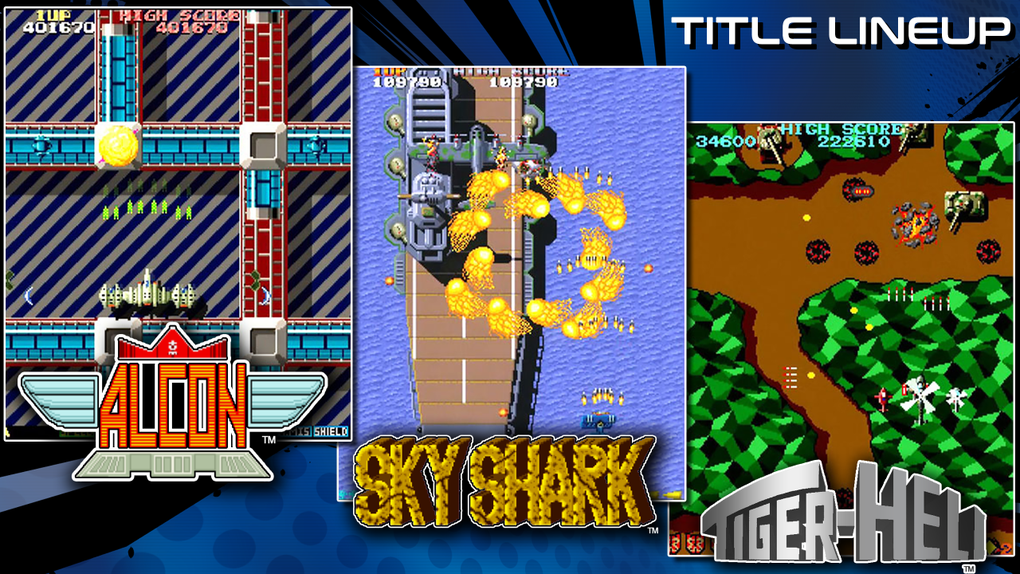
- 25 Classic TOAPLAN Games – Includes both free and paid titles such as TATSUJIN, Tiger Heli, Snow Bros., Wardner, Teki Paki, Guardian, Slap Fight, Alcon, Twin Cobra, Rally Bike, and Hellfire. Each game is emulated to match original arcade behavior.
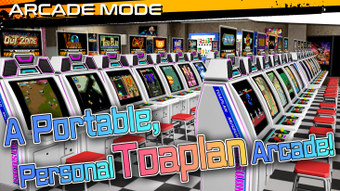
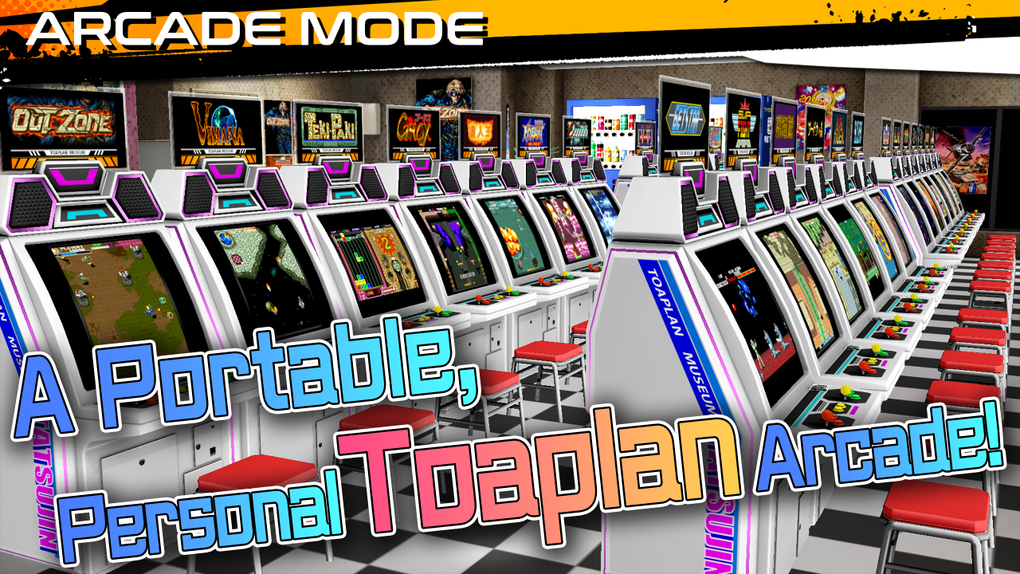
- Customizable Arcade Cabinet Interface – Users can personalize the virtual arcade cabinet’s appearance, creating a unique retro gaming space that mimics physical arcade machines.
- Regional Game Variations – Offers localized versions of games with differing stage layouts, difficulty settings, and title names, reflecting how arcade cabinets were adapted for different regions.
- Multi-Language Support – All games include multiple language options, improving accessibility for non-Japanese speakers.
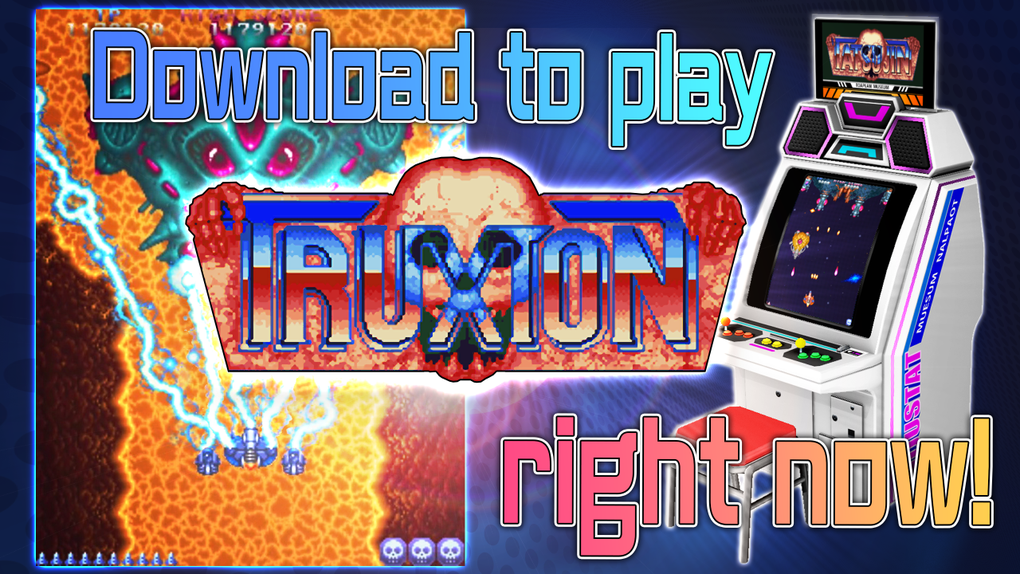
- Hybrid Free & Paid Content Model – Provides free access to select titles like TATSUJIN, while premium games are available for purchase to expand the library.
- External Controller Support – While touchscreen controls are available, the software recommends using arcade sticks or gamepads for optimal responsiveness and authenticity.
These features allow users to build a personalized arcade setup, explore historical variations of beloved titles, and enjoy accurate recreations of classic gameplay. The combination of emulation fidelity and interface customization supports immersive retro experiences, whether playing solo or sharing the cabinet with friends.
User Interface, Workflow & Performance
The user interface of Amusement Arcade TOAPLAN is structured around a virtual arcade cabinet, serving as the central hub for game selection and customization. Navigation is straightforward, with menu options accessible via on-screen buttons or external input devices. The workflow begins with launching the application, followed by selecting a game from the library, choosing a language, and starting play.
Customization options allow users to modify the cabinet’s visual design, including colors, logos, and layout. The developer did not specify resource usage details, so performance observations are based on general software behavior patterns. Stability is expected to be consistent for a well-optimized emulation application, though actual behavior may vary depending on system configuration.
CPU and RAM usage were not disclosed, and no performance benchmarks were provided. The software is designed to run smoothly on modern desktop systems, but exact compatibility thresholds remain unclear. Users are advised to use external controllers for the best experience, particularly for titles requiring precise inputs.
Compatibility & System Requirements
Amusement Arcade TOAPLAN is available for both Windows and Mac operating systems. The software version is 1.0, with a download size of 300 MB. The developer did not provide additional system requirements, making it difficult to determine minimum hardware specifications.
Compatibility information was partially provided, with no mention of specific CPU, RAM, or graphics card needs. Users should ensure their system meets general desktop application standards. The installation process is expected to be straightforward, though no details were shared about setup steps or dependencies.
No information was given about updates or automatic sync features. The software is designed for desktop use and does not appear to support mobile platforms.
Pros and Cons
Pros
- Authentic recreation of classic TOAPLAN arcade games with accurate graphics and sound.
- 25 titles available, including both free and paid options for flexible access.
- Customizable arcade cabinet interface enhances immersion and personalization.
- Regional variations and multi-language support improve accessibility and historical accuracy.
- External controller support enhances gameplay authenticity, especially for precision-based titles.
Cons
- Exact system requirements were not listed, which may cause uncertainty for some users.
- Touchscreen controls may not provide the same level of responsiveness as physical controllers.
- Limited information on update frequency and future content plans.
- Some games require purchase, which may deter users seeking a fully free experience.
- Performance behavior under different workloads was not specified.
FAQ Section
Is Amusement Arcade TOAPLAN compatible with Windows and Mac?
Yes, the software is available for both Windows and Mac operating systems as stated in the product details.
Is the software free to download and use?
Yes, the software is free to download and use. It includes both free and paid titles, allowing users to access some games at no cost.
Do I need an external controller to play?
While touchscreen controls are supported, the software recommends using external controllers such as arcade sticks or gamepads for better responsiveness and a more authentic arcade feel.
Are the games available in multiple languages?
Yes, all games include multiple language options, making them accessible to a global audience despite their original Japanese release.
Can I customize the arcade cabinet interface?
Yes, the software features a customizable arcade cabinet interface, allowing users to personalize the look and feel of their virtual arcade setup.
Final Thoughts
Amusement Arcade TOAPLAN delivers a compelling and nostalgic journey into the world of 1980s arcade gaming. With its faithful emulation of 25 classic TOAPLAN titles, customizable cabinet interface, and support for regional variations, it stands out as a dedicated tribute to a legendary developer. The inclusion of both free and paid content offers flexibility for users at different engagement levels.
While exact system requirements and performance metrics are not disclosed, the software appears designed for smooth operation on modern desktop systems. The recommendation to use external controllers enhances the authenticity of gameplay, especially for titles requiring precise inputs. Whether you're a long-time fan of TOAPLAN or discovering its legacy for the first time, this application provides a convenient and immersive way to enjoy arcade masterpieces.
Download Amusement Arcade TOAPLAN now.







